In 30 seconds
Why use macros?
Without macros, combat can mean pressing dozens of keys constantly. AION 2's built-in macro handles the repeated work: arrange skills in rows, then hold one button to use them by priority, skipping skills on cooldown.
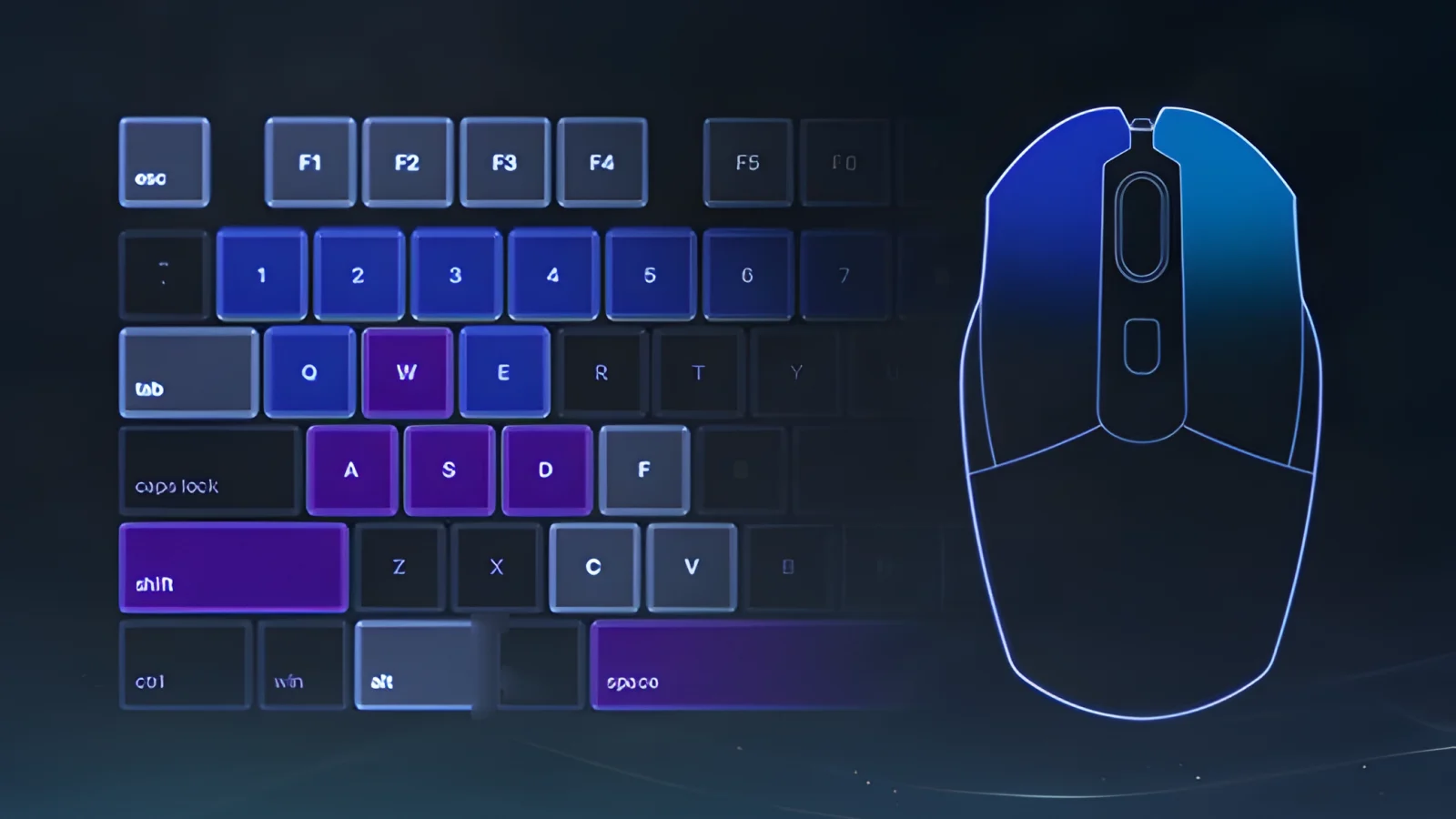
A macro can also cancel animations: the next skill starts before the previous animation finishes. A well-tuned macro can therefore deal more damage than manual key presses.
Setting up a macro
- Open Settings → Keys, find Macro in the gameplay section, and assign a key.
- Open the skills window (K) and switch to macros.
- Add rows and drag skills from the bar into them.
- Set the delay between skills.
How the rows work
The game checks rows in order: it uses ready skills from the first row, then the second, and so on. It skips skills on cooldown. Put buffs and hard hits first, and an always-ready basic attack last.
The skill bar works similarly: you can put up to four skills on one key, and the game uses the first one ready.
Delay
| Ping | Delay |
|---|---|
| over 80–100 ms | 40–50 ms |
| below 50 ms | 10 ms |
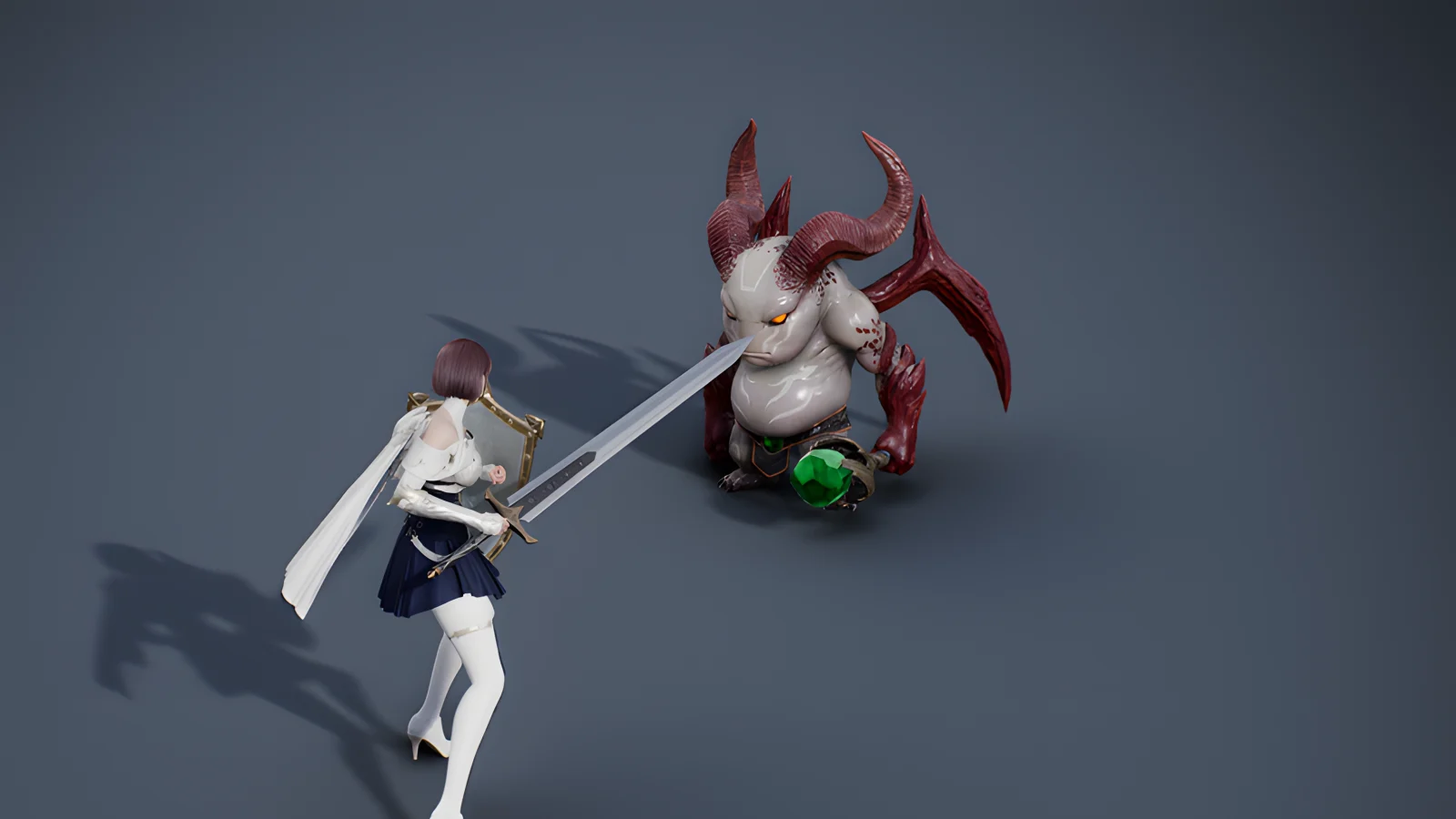
The minimum used to be 50 ms; now it can be set to 10 ms. Too little delay may skip skills. If that happens, increase it or repeat an important part of the sequence. Watch your character: animation canceling produces trailing shadows. Shadows mean the timing works; if you see none, lower the delay. After a couple of days you will know which value suits your connection.
Target selection and combat modes
In combat mode, your character stops after a skill. In target selection mode, they continue basic attacks automatically. Those attacks deal damage and restore MP between macro skills, which is especially useful for Rangers, Sorcerers, and Spiritmasters. Choose target selection mode if you want fewer extra presses.
What to keep off the macro
- Charged skills. A macro uses only one charge stage. For a Sorcerer, Hellfire may deal about 5,000 damage in a macro versus about 35,000 when fully charged.
- Defense and crowd-control breaks. You need these at a specific moment.
- Long buffs with long cooldowns if you need to save them for a damage window.
Built-in macro and programmable mouse
Some players combine the built-in macro with a gaming mouse: the main sequence goes into the game macro, while mouse buttons repeat basic attacks and the most frequent hit. For Spiritmaster, the game macro can handle Dimensional Control and spirit summons, while mouse buttons repeat Cold Shock and Elemental Fusion. This can deal more damage than the game macro alone, though the built-in macro is enough for comfortable play.
Assassins can use a similar trick: hold the macro button and left mouse button together to cancel animations between strikes.
Examples by class
The class guides show suggested macro rows: Gladiator, Templar, Assassin, Ranger, Sorcerer, and Spiritmaster.
Common mistakes
- Copying someone else's delayTheir ping differs from yours, so their timing may skip your skills.
- Putting a charged skill in the macroYou get one charge stage instead of three.
- Putting a basic attack firstIt is always ready and takes priority over stronger skills.
- Putting defense in the macroIt goes on cooldown before you need it.
The takeaway
A macro runs rows in priority order. Tune its delay to your ping and watch for trailing shadows. Use charged skills and defenses manually; let the macro handle the repeatable sequence.
Comments