Why collect feathers?
What feathers are in AION 2
Players use “feathers” for Empyrean Trace collectible markers. These are not wing crafting feathers or ordinary gathering resources. Interacting with a marker grants the regional item used by the Monolith system.
Use the region and the exact item record when searching. Several localised names vary slightly in wording, but their descriptions identify the relevant Monolith. This guide uses “feathers” as the familiar community term for that activity.
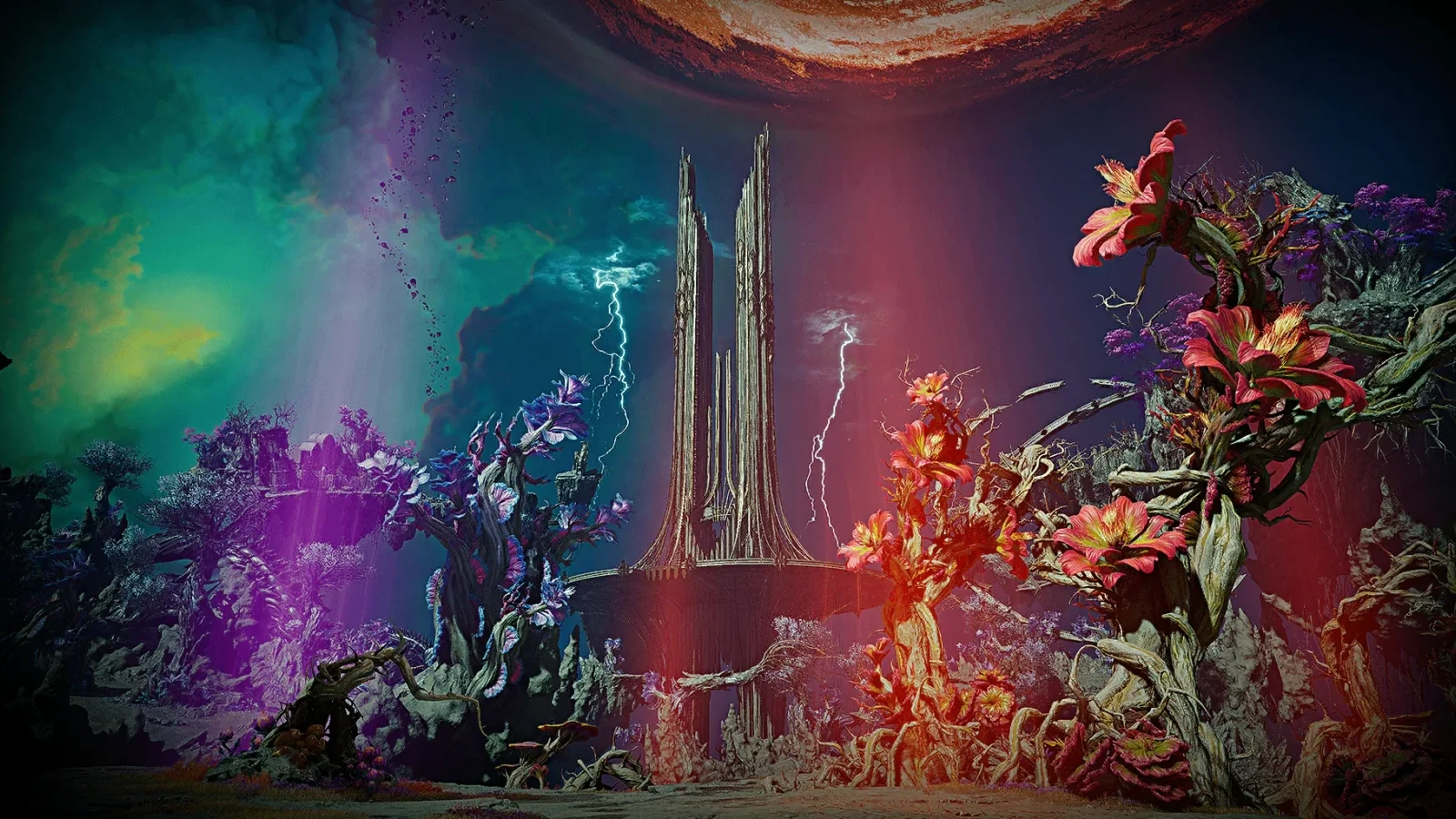
Collect traces while travelling between quests, teleport locations and Sealed Dungeons. A dedicated long route makes more sense when you know the next reward you want. Otherwise a difficult isolated marker can consume an evening even though nearby traces would finish the immediate objective.
Regional identity matters. Do not count Verteron traces towards Eltnen Monolith, or Altgard traces towards Morheim Monolith. The item description names the Monolith with which it can resonate.
Where to use Empyrean Traces
Read the item name in your inventory first. Then use the map and story navigation to locate the corresponding Monolith. You are looking for a Monolith interaction and its resonance window, not an ordinary merchant who buys feathers.
| Trace region | Item | Destination | Side or area |
|---|---|---|---|
| Verteron | Empyrean Trace: Verteron | Verteron Monolith | Elyos |
| Eltnen | Empyrean Trace: Eltnen | Eltnen Monolith | Elyos |
| Altgard | Empyrean Trace: Altgard | Altgard Monolith | Asmodians |
| Morheim | Empyrean Trace: Morheim | Morheim Monolith | Asmodians |
| Reshanta | Empyrean Trace: Reshanta | Ereshkigal Monolith | Abyss, with a separate reward track |
If you searched for feathers near Zumion Village, start with Verteron Monolith and the trace's region. A nearby settlement mentioned in a player's directions does not create a separate village currency. Establish the map region, then follow the game's navigation.
The client connects trace synchronisation to story conditions. A new character should therefore continue the relevant story introduction before trying to force an unavailable button. Return to the collected traces after the system is open.
Turning in traces
- Check the itemRead its region and the Monolith named in its description.
- Unlock the systemComplete the story introduction if the window or action is unavailable.
- Find the MonolithUse the map and game navigation for your faction and region.
- Inspect resonanceCheck current level, the next requirement and reward list before confirming.
- Review the resultCheck received items and the appropriate progression counters afterwards.
Monolith rewards: keep the tracks separate
Rewards are assigned by resonance level. Regional Monoliths and the Abyss Monolith use different tables. Do not take one reward list and promise it at every destination; inspect the reward window for the Monolith you are using.
Early Verteron and Altgard rewards include Empyrean Lord stats, amulet enhancement scrolls and Hidden Cube keys. Titles and other progression items also appear. This makes collecting useful even after the ordinary quests around the Monolith are finished.
| Reward example | Confirmed source | What to do with it |
|---|---|---|
| Amulet enhancement scrolls | Verteron and Altgard Monoliths | Check the amulet's tier and available enhancement |
| Hidden Cube keys | Regional Monolith rewards | Keep them for the matching cube type |
| Empyrean Lord stats | Monolith reward records | Review the character's resulting values |
| Titles | Specific resonance levels | Read the received title's effect |
| Azphel Daevanion Crystals | Ereshkigal Monolith | Use the separate Battle point budget |
Through resonance level 16, the Abyss Monolith awards 36 Azphel crystals in total. This qualifies the familiar phrase “feathers give 36 Daevanion points”: the reward belongs to a specific point type. It does not become ordinary currency for the first four boards.
If you need ordinary Daevanion points or skill points, inspect regional quests and Sealed Dungeons separately. These activities may share a convenient route with trace collecting, but their rewards come from different systems. Do not attribute every map exploration reward to the Monolith.
How many feathers do you need?
Verteron and Altgard have resonance records through level 30. Eltnen and Morheim have shorter tables, while the Abyss has its own requirements. A similar window does not establish an identical progression ladder.
| Monolith | Highest level in the current table | Planning note |
|---|---|---|
| Verteron | 30 | Read the next resonance requirement in the game |
| Altgard | 30 | Do not import another version's collection target |
| Eltnen | 8 | Separate region and separate trace item |
| Morheim | 8 | Separate reward table |
| Ereshkigal, for each faction | 20 | Level 16 is associated with 200 traces in the data |
The local Global notes contain a rough “one third of the feathers” guideline. However, the client table lists 560 as the level-30 requirement for Verteron and Altgard, while our map contains 559 markers in each. That disagreement does not support a guaranteed “one third is enough” route or a claim that every map marker alone is the exact required total.
A client requirement and a set of map coordinates describe different things. The map does not list every possible story grant of a trace, for example. Use the actual resonance window to decide how much you still need rather than spending time on a difficult route to satisfy an unverified overall target.
The lower Abyss relationship is clearer: our lower map has 200 trace markers, and the resonance-level-16 row lists 200 traces. Records above level 16 do not prove that the same single map layer can complete them. The middle Abyss has separate markers and should not be silently added to the initial route.
How to make feathers appear on our map
Open the correct region and enable its Empyrean Trace layer. The links below already select the filter. The layer identifier is shared by the Russian and English maps, even though its displayed name is localised.
| Region | Trace coordinates in the map data | Open the trace layer |
|---|---|---|
| Verteron | 559 | Verteron map |
| Eltnen | 140 | Eltnen map |
| Altgard | 559 | Altgard map |
| Morheim | 140 | Morheim map |
| Chaotic Lower Reshanta | 200 | Lower Abyss map |
| Chaotic Middle Reshanta | 100 | Middle Abyss map |
These are coordinate counts from the local map data, not your remaining collectible count. They do not establish personal access, quest progress or the safety of a route. The map helps locate a marker; verify its collection state in the game.
If markers do not appear, check region, layer and zoom. A Verteron link will not show Morheim traces. If another collectible type is visible, inspect the filters and confirm that you selected traces rather than Hidden Cubes or resources.
The game's own map has its own collectible filters. Settings on this website do not toggle them inside the client. Treat the two maps as separate tools you can use side by side.
Planning a route and checking height
A flat marker shows horizontal position. If you reach it and see nothing, inspect the height: a cliff, ledge, structure or lower passage may be involved. A point is not necessarily wrong merely because there is no collectible at road level.
Work from a known teleport to a nearby group of markers and back towards safety. Save a difficult isolated point rather than exhausting flight capacity on it. A later unlock or a different starting position may provide a simpler approach.
| Problem | What to inspect |
|---|---|
| The marker is nearby but the trace is invisible | Surfaces above and below, and access from another direction |
| Flight capacity is too low | A closer launch point and an intermediate landing |
| A barrier blocks the marker | Story access and the correct passage around the terrain |
| The website still shows a marker after collection | The actual collection state in the game |
| You seem to be in the wrong place | Region and Abyss floor selected in the map link |
There is no need to follow markers in a strict sequence. Collect what is convenient alongside quests, then fill gaps near unlocked teleports. Keep a short note of awkward points so you do not repeatedly waste time approaching them in the same way.
If enemies make interaction unsafe, compare an alternative path with the cost of dying and flying back. In the Abyss, hostile players also matter. Finishing a modest route safely is often more productive than repeatedly forcing one difficult marker.
Abyss feathers and Ereshkigal Monolith
Empyrean Trace: Reshanta is separate from the main-region items. Its description names Ereshkigal Monolith. The client has faction-specific Monolith records, while the regional trace item has the same identity for both sides.
Plan Abyss collection as its own activity. Check your available map, floor and Flight Power first. Do not assume the safety of story regions carries over to a PvP area. The objective is to finish the route and claim a reward, not reach every awkward point at any cost.
The connection 200 traces → resonance level 16 → 36 Azphel crystals is supported by requirement and reward records. It is a useful lower-map target, not a promise of immediate completion without access to the locations and Monolith.
After collecting the crystals, open Daevanion and inspect Azphel's counter. If the ordinary total did not increase, you may simply be looking at the wrong currency. Plan Battle point spending separately from the first four boards.
Sync Empyrean Traces on another character
The Monolith window includes Sync Empyrean Traces. Client messages confirm synchronisation and a separate state in which traces are already up to date. Check this action after unlocking the system on another character before repeating a long collection route.
Do not interpret the button as unrestricted storage sharing across every server and region. Inspect the destination Monolith, displayed progress and confirmation. The action does not remove the regional identity of trace items.
The data specifies story conditions for synchronisation. It does not establish one universal character level for every faction. Follow the story until the Monolith is introduced; if the action remains unavailable, read its condition rather than relying on an approximate level from another guide.
After syncing, inspect inventory and resonance level. The success message mentions moving traces into inventory. Do not assume all subsequent resonance interactions and reward claims were completed automatically. Check the actual result before collecting again.
Spare traces: converting them into Power Shards
Before spending traces elsewhere, inspect current resonance, the next reward and available synchronisation actions. This matters especially while the overall collection target is disputed. Let your character's window establish what is genuinely surplus.
Verteron and Altgard traces have confirmed recipes for Power Shard (Bound). That is an alternative use of the resource, separate from resonance. Look for the Monolith-related entries in Substance Morph.
| Material | Quantity | Result |
|---|---|---|
| Empyrean Trace: Verteron (Bound) | 1 | Power Shard (Bound) ×10 |
| Empyrean Trace: Altgard (Bound) | 1 | Power Shard (Bound) ×10 |
Different purposes
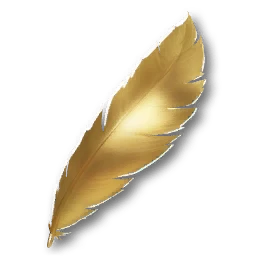 Empyrean Trace: Verteron (Bound)SpecialRegional trace for Verteron Monolith and the confirmed conversion.
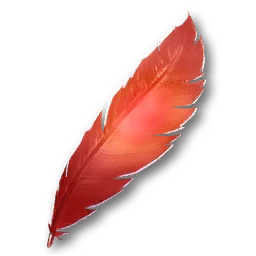 Empyrean Trace: Altgard (Bound)SpecialRegional trace for Altgard Monolith and the confirmed conversion.
 Empyrean Trace: Reshanta (Bound)SpecialReshanta trace: check Ereshkigal Monolith rewards before spending.
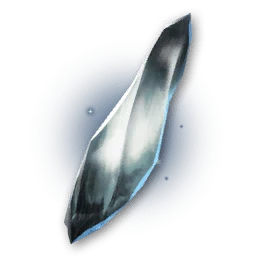 Power Shard (Bound)CommonThe confirmed result of the Verteron and Altgard recipes.
Do not extend those recipes to Eltnen, Morheim or Abyss traces without a matching recipe entry. Similar wording does not make the materials interchangeable. If the intended conversion is absent, keep the item until it is verified in the client.
Combining feathers with other progression
Choose a manageable route around your current quests. Collect accessible traces, check nearby teleports and return to the Monolith. Use each reward for its own purpose: scrolls on the matching amulet tier, crystals on the appropriate counter and keys on the matching cubes.
You do not need to turn collection into a requirement to clear every map before doing anything else. Identify the next reward and read how much is missing in the resonance window. Once that objective is done, return to other progression or continue exploring as a separate collection goal.
Do
- Read the region in the trace name.
- Combine collection with quests and unlocked teleports.
- Check height and access when a point is not visible.
- Inspect the specific Monolith's requirements and rewards.
Avoid
- Do not promise maximum resonance after a third of the map without checking.
- Do not count Azphel crystals as ordinary points.
- Do not convert traces before reviewing resonance rewards.
- Do not confuse traces with wing crafting feathers.
Common mistakes
- Taking everything to one MonolithThe regional item belongs elsewhere.
- Looking only at ground levelThe trace is higher, lower or reached from another passage.
- Treating all markers as uncollectedA coordinate map is not proof of your personal progress.
- Repeating the whole route on another characterSync Empyrean Traces should have been checked first.
- Spending leftovers from an old targetThe next available resonance level still needs those traces.
Before a dedicated feather route
- Correct region and Abyss floor are selected.
- The trace layer is enabled instead of resources or Hidden Cubes.
- The next resonance requirement is known from the game.
- Useful teleports and Flight Power are checked.
- Sync Empyrean Traces has been inspected on an alternative character.
- Abyss PvP and a safe return are considered.
- Conversion waits until the relevant rewards have been checked.
The essentials
Feathers are regional Empyrean Traces used to resonate with the matching Monolith. Follow a practical route, check height and read the current requirement for the next level. Abyss rewards include the separate Azphel crystal type, while another character should check Sync Empyrean Traces first. Convert only a confirmed surplus through a recipe that accepts the exact regional item.
Comments