TeamMate gets a major update: new overlay, improved DPS and game tools
TeamMate is receiving a major update focused on the game overlay, DPS meter and everyday usability.
Your fight, right in the game
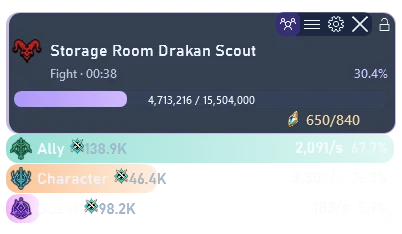
Resize and position the compact overlay, choose its blocks and adjust opacity and hover behaviour. Combat shows the target, duration, player DPS and received HP values. An unknown maximum HP is shown as a dash.
DPS remains free
Combat calculations and presentation have been refined: personal and group DPS, contributions, skills, effects and completed fights are available in the same app. The DPS meter requires no PRO subscription and remains available after PRO expires.
Pets, monsters and events
Pet cards track souls and level progress. Monsters and bosses are separate combat targets. Related blocks align with the overlay; field bosses, Shugo and Rifts have timers and notifications.
Hidden cubes
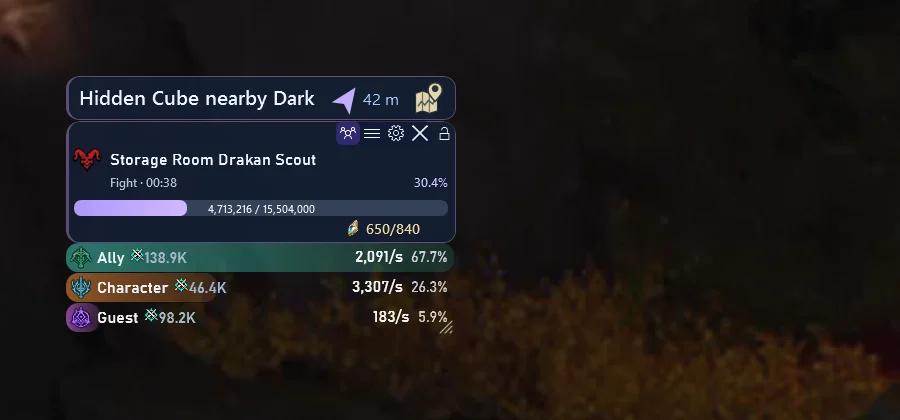
Detected cubes get a separate bar above the overlay with distance, a direction cue and a map control. Compare the direction with the minimap: it can be approximate or unavailable. Cube detection and pet tracking require PRO.
App interface and settings
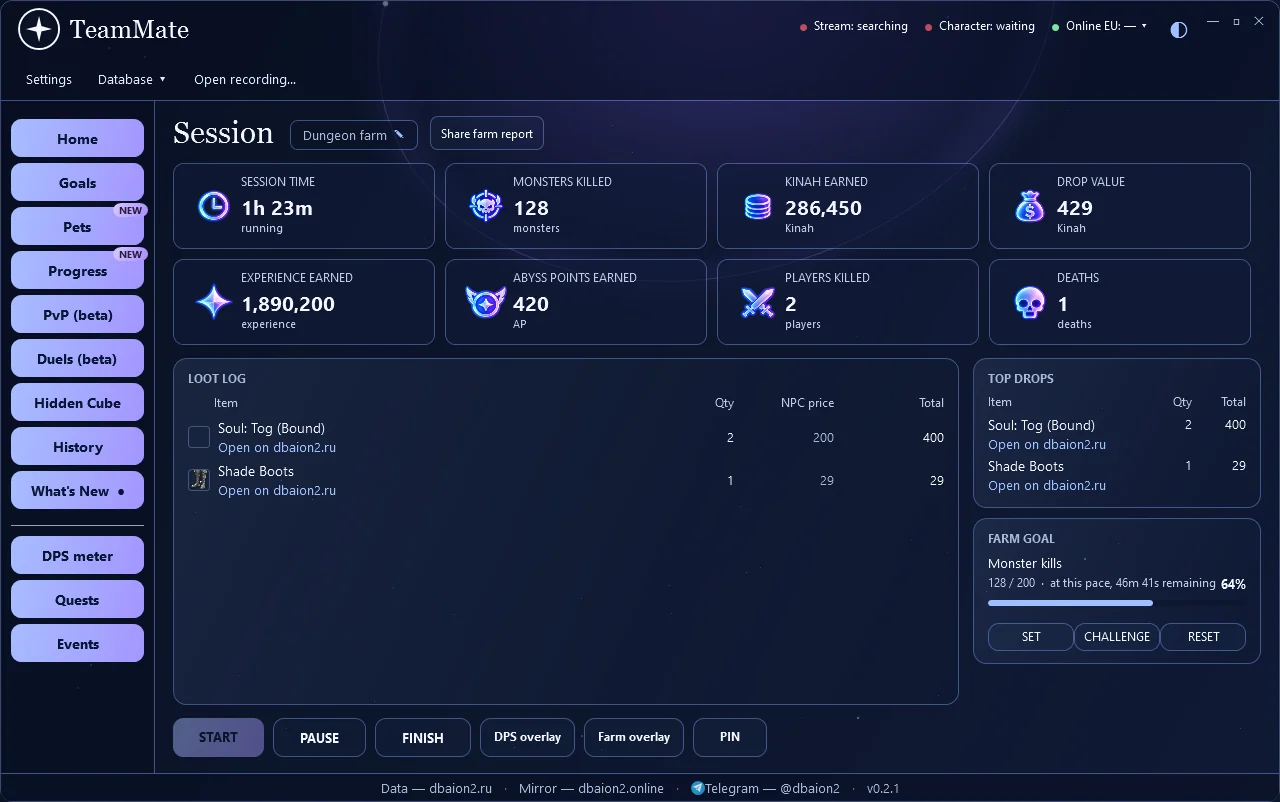
Farm sessions, loot, goals and resources complement combat analysis. Settings organisation, opacity and block controls have been updated, along with many other improvements and fixes.
Version 0.2.1 is available to download or update from the app.
Download TeamMate · User guide
Send bug reports and suggestions directly via Telegram. Thank you for helping us improve the project!
Easier TeamMate PRO payments
Buy PRO directly on the website: choose 7, 30, 90 or 365 days, your currency and payment method. The new checkout offers European and US card checkout in EUR/USD, and Russian card or SBP checkout in RUB. Each plan also has a backup payment link.
After confirmation, your key arrives by email and appears on the result page, where you can download a TXT file. Activate it in TeamMate → Settings → PRO. Payments are one-time, with no automatic charges; a new licence starts on activation.
dbaion2.ru project news.